
Full Breakdown
Lenovo Googlebook 15 Review and Low-Cost Linux Alternatives: A Deep Dive
By Drooid · · How we work
In this breakdown
01
Core Event – Review Findings for the Lenovo Googlebook 15
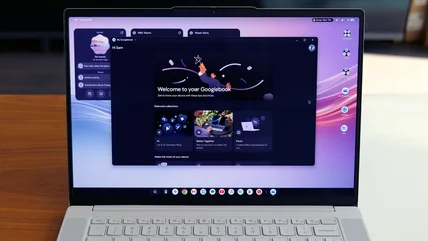
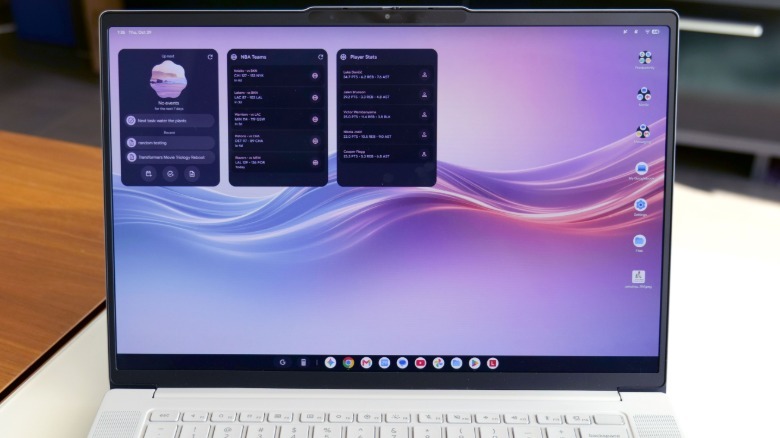
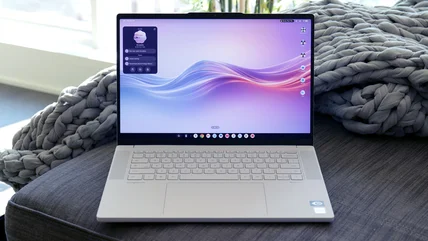
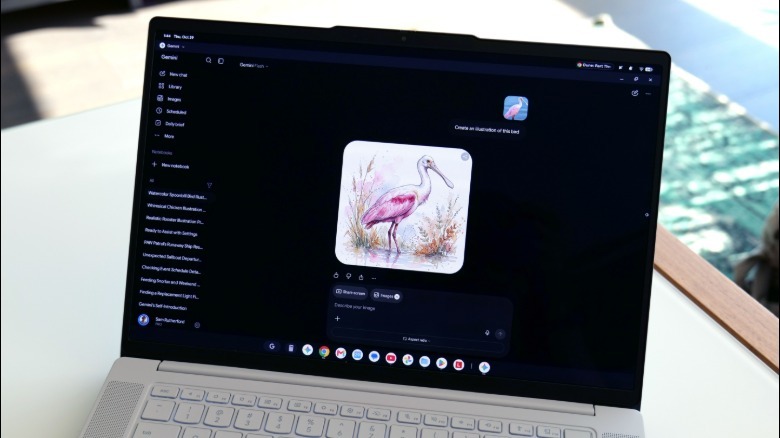
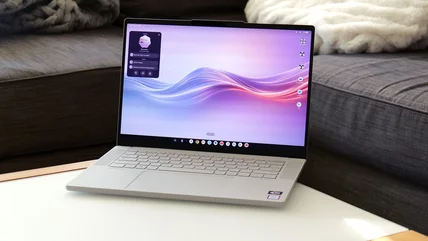
Engadget’s review notes that the Lenovo Googlebook 15 runs Googlebook OS, a hybrid of Android and Chrome OS with a desktop layout, side-by-side multitasking, and a “Better Together” suite for cross-device sharing. Pairing is initiated by scanning a QR code, after which users can drag files (up to 200 MB) via the Files app, cast phone apps to the laptop, sync notifications, or resume browsing sessions.
02
Feature Set – Googlebook OS Unique Tools
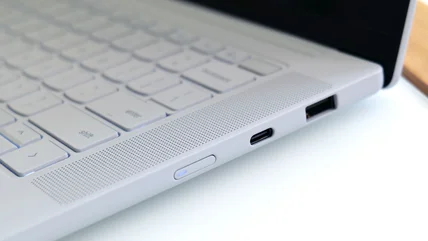
The review highlights Google-specific utilities. Magic Pointer lets users highlight screen objects and query Gemini, Google’s AI, for explanations or AI-driven drawings. Gemini Notebook assists with finding, organizing, and summarizing files. The Rambler voice transcription tool, accessed via a dedicated keyboard button, is praised as a leading speech-to-text solution.
Visual evidence
Images from the story
03
Alternative Implementations on a $60 Linux Laptop
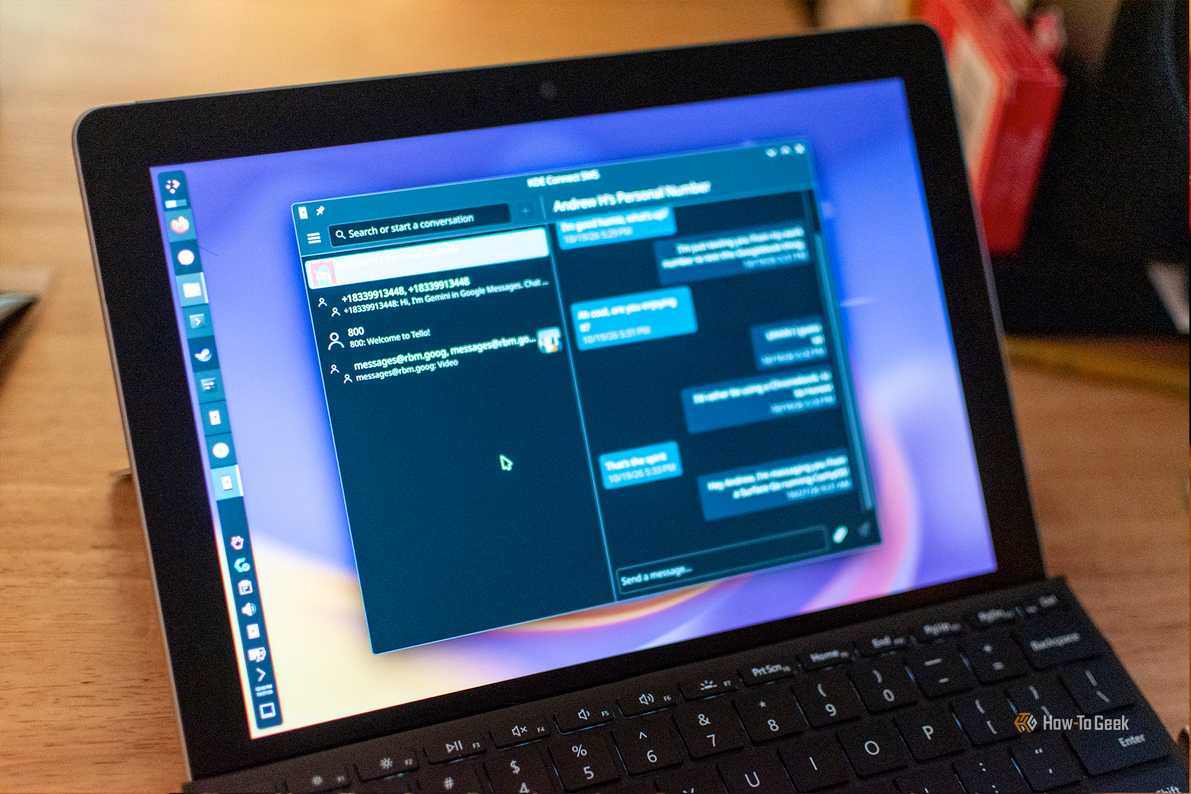
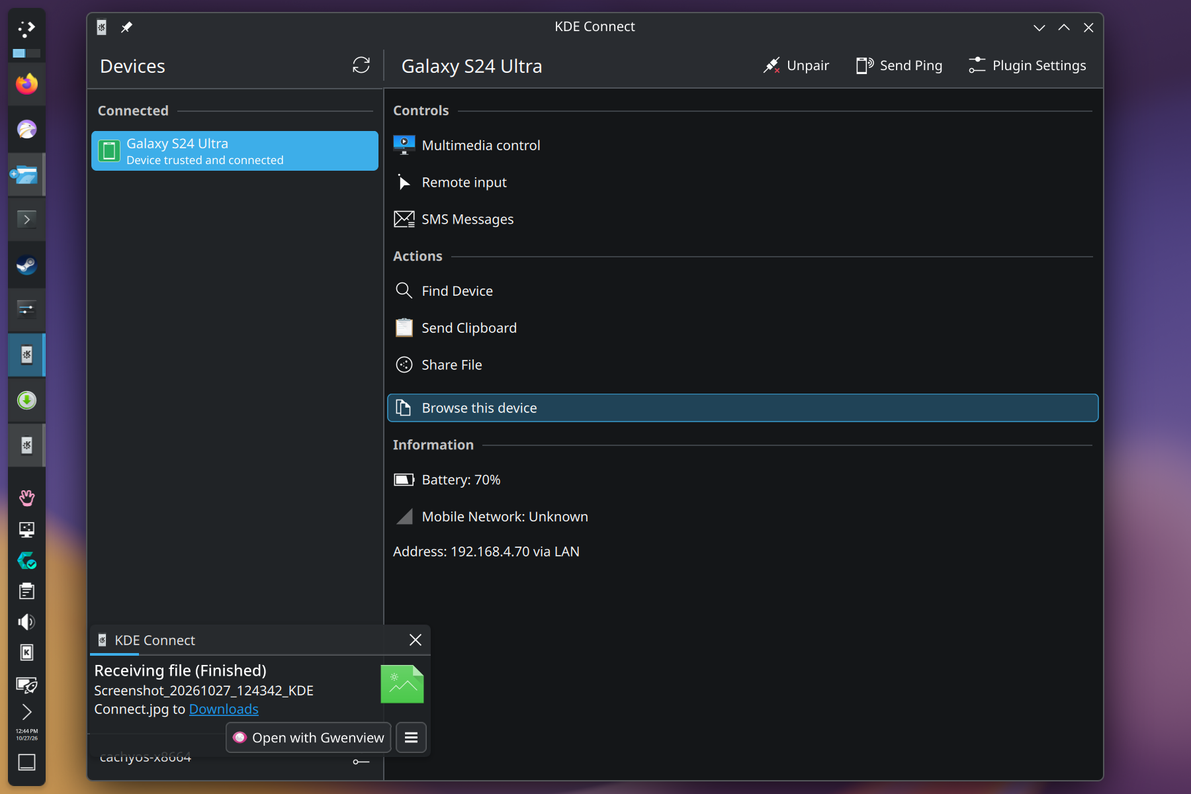
To show that Googlebook’s flagship features are not exclusive to the $800-plus device, the HowToGeek author installed KDE Connect on a $60 Surface Go running CachyOS Linux. KDE Connect provides texting, Android-notification syncing, clipboard sharing, and file transfer over local Wi-Fi without Google servers. For screen mirroring, the author used scrcpy, which mirrors an Android phone via USB (and optionally TCP/IP) and allows mouse-keyboard interaction. Wireless mirroring proved cumbersome on the low-power processor, but the wired setup worked.
To approximate Magic Pointer, the author tested AIPointer, which sends selected screen regions to a large-language model, requiring an API key. The reviewer also tried OpenWhispr and Handy, Whisper-based speech-to-text frontends, but the Surface Go’s Pentium 4415Y overheated, limiting practical use. An attempt to run Android apps through Waydroid was abandoned due to visual bugs and poor performance, underscoring Googlebook’s advantage in native Android integration.
04
On-the-Ground Reports – User Experience with Both Platforms
The six-week experiment confirmed that many Googlebook features can be replicated, but hardware constraints introduced overheating and limited wireless mirroring reliability.
05
Conflicting Reports & Gaps
Engadget reports a “noticeable drop in framerate” but still successful casting, while HowToGeek says the feature “didn’t really work” for most early users. Quick Share is limited to 200 MB by Engadget, yet HowToGeek claims it was non-functional on a related model. Magic Pointer is described as “surprisingly polished” by Engadget but “a bit lazy or clunky” by HowToGeek, indicating inconsistent impressions.
06
Why It Matters – Implications for Consumers
Googlebook OS delivers a cohesive Android-centric ecosystem at a premium price, yet many headline features can be approximated on inexpensive Linux hardware using open-source tools. Consumers weighing cost against seamless phone-laptop integration may find viable alternatives, though performance and stability vary with hardware.
07
What’s Next – Anticipated Improvements
Engadget notes that Google has added additional “Better Together” features after launch, suggesting ongoing refinement of cross-device functionality. No further scheduled updates are detailed in the sources.